
Scan any QR code with one right-click.
Right-click any code below and choose Scan QR code — on a touchscreen, tap ⌖ Scan. Your QR images are processed in your browser.




Drop or paste a QR image, or . Decoded locally — nothing is uploaded.
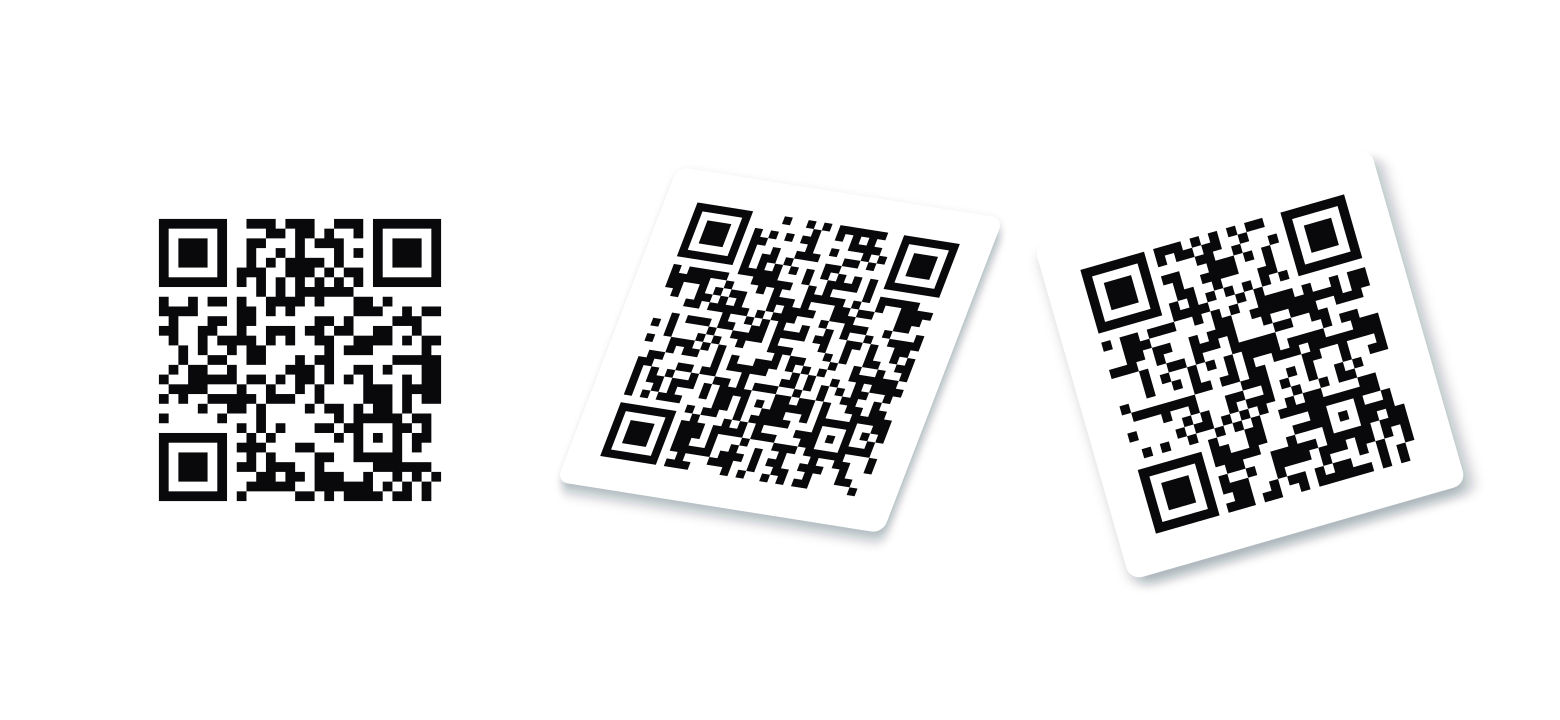
Every demo is a plain image — the tilt and skew live in the pixels, and each one is verified to scan before it ships.
Reads the messy ones
Rotated, skewed, inverted, low-res — powered by ZXing and WebAssembly.
All of them at once
Several codes in one image, each marked with a numbered ring.
Generates too
Turn the page URL or selected text into a QR code from the same menu.
Processed on your device
QR images and contents stay in your browser. No account or analytics.